Pinterest vs Canva for Vision Boards: Which App Is Actually Better?
You've decided to create a vision board. Great! Then you open Pinterest, get overwhelmed by the endless scrolling, switch to Canva, feel paralyzed by the blank canvas, and close both apps. Sound familiar? Let's figure out which platform actually works for your manifestation style—because the "best" app is the one you'll actually use.
The Core Difference
Before we dive into features, understand the fundamental distinction:
Pinterest = Discovery and collection Canva = Creation and design
Pinterest helps you find and gather inspiring images. Canva helps you arrange them into a finished design. They're almost complementary rather than competitors.
But for vision boarding specifically, each has strengths and weaknesses.
Pinterest for Vision Boards
The Good Stuff
Endless inspiration. If you don't know exactly what you want, Pinterest is gold. Search "dream home" and see what stops your scroll. Your subconscious knows what you want before your conscious mind can articulate it—Pinterest helps surface that.
Easy collection. Found something perfect? One tap to save. Build boards for different life areas without any design skill required.
Dynamic and evolving. Your Pinterest boards grow organically. As your vision clarifies, you add or remove pins. It breathes with you.
Zero learning curve. If you can browse and save, you can Pinterest.
The Frustrating Parts
It's not designed for manifestation. Pinterest is a search engine and social platform. It wants you to keep scrolling, keep clicking, keep consuming. That's... not exactly aligned with focused visualization.
Comparison trap. You're looking for your dream life and constantly seeing everyone else's aesthetic. It's easy to end up feeling worse, not better.
No finished product. A Pinterest board is a collection, not a distilled vision. It can feel scattered—25 pins that don't quite coalesce into a clear vision.
Algorithm distractions. You came to find your dream kitchen and suddenly you're deep into DIY crafts you'll never make. Ask me how I know.
Pinterest works if:
- You're still exploring what you want
- You prefer curating over creating
- You like your vision board to evolve continuously
- You can resist the endless scroll
Canva for Vision Boards
The Good Stuff
Complete creative control. Arrange, resize, layer, overlay text—make exactly what you envision. Your board looks and feels intentional.
One finished piece. When you're done, you have a single image or document. Clean, focused, designed specifically for you.
Templates available. Don't know where to start? Search "vision board" in Canva and get dozens of starting layouts. Drag, drop, customize.
Set it and forget it. No algorithm tempting you back. No notifications. You create, you save, you're done.
Print-ready. Want a physical vision board without scissors and magazines? Design in Canva, print at any photo service.
The Frustrating Parts
Blank canvas paralysis. Freedom is great until it freezes you. "Where do I even put the first image?" is a common feeling.
You need images first. Canva doesn't help you discover what you want—it only helps you arrange images you already have. You might need Pinterest first anyway.
Design skill helps. Not required, but people with design sensibility will create more visually cohesive boards. If that's not you, templates save the day.
Static. Once created, your Canva board is fixed. Updating means opening the design file and moving things around. Less organic than Pinterest.
Canva works if:
- You know clearly what you want
- You like finished, polished products
- You want to print or have one clean image
- You don't need ongoing discovery
The Hybrid Approach (My Recommendation)
Here's what actually works for most people:
Step 1: Discovery on Pinterest
Create a private board. Start pinning anything that catches your attention related to your desires:
- Dream lifestyle images
- Quotes that resonate
- Aesthetics that feel like "you, but upgraded"
- Specific things (that car, that house, that vacation)
Don't curate too carefully at first. Just collect.
Step 2: Clarify and Select
After you've gathered 50+ pins, review them. Notice patterns. What keeps appearing? This is your subconscious speaking.
Choose 10-15 images that truly make your heart skip. Save these to your device.
Step 3: Design in Canva
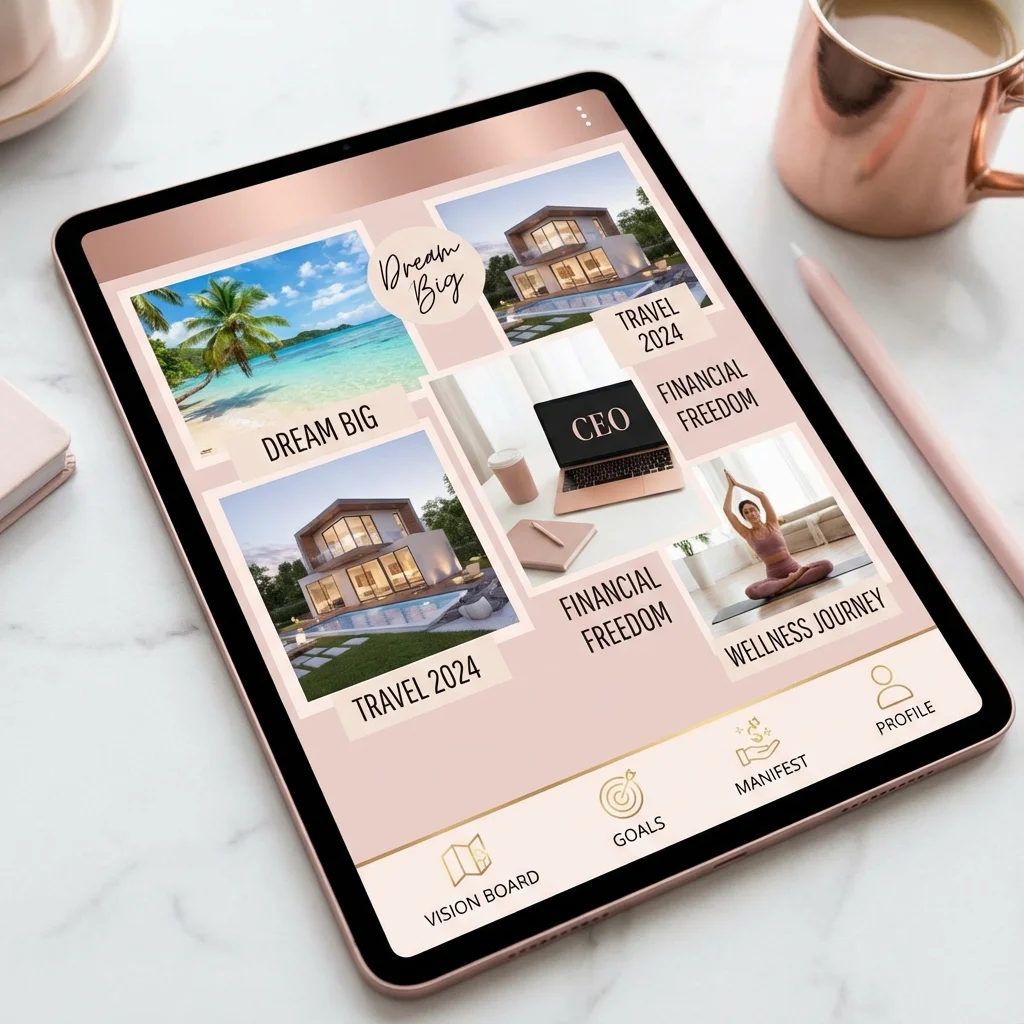
Open a Canva template or blank canvas. Upload your selected images. Arrange them in a way that feels good. Add text affirmations if you like.
Create one cohesive board that represents your ideal life.
Step 4: Use It
Set your Canva board as your phone wallpaper, desktop background, or print it. Visualize while looking at it daily.
The Pinterest board becomes your living collection. The Canva board becomes your focused meditation object.
What About Manifestation Specifically?
Okay, but does one platform actually work better for manifesting?
Here's the thing: the platform doesn't manifest. You do. The board is just a tool for clarity and emotional activation.
That said, some considerations:
Emotional Response Matters Most
A scattered Pinterest board with 100 pins might not generate the same emotional punch as a carefully designed Canva board you love looking at.
Your visualization practice works through emotion. Whatever format generates stronger feelings of having-it-now is better for you.
Overwhelm Blocks Energy
If your Pinterest board overwhelms you or makes you feel bad about where you are now, it's not serving you. Sometimes less is more.
Clarity Accelerates Manifestation
A single focused Canva image forces you to decide what you actually want. The bridge of incidents can't form clearly when your target is fuzzy.
Quick Comparison Table
| Feature | Canva | |
|---|---|---|
| Discovery | Excellent | None |
| Ease of use | Very easy | Easy with learning |
| Finished product | No | Yes |
| Printing | Difficult | Easy |
| Evolution | Continuous | Static |
| Distractions | Many | None |
| Cost | Free | Free/Paid |
| Design control | None | Full |
Other Options Worth Mentioning
Notion
Some people use Notion pages for vision boards. Great if you're already a Notion user—you can combine images, text, affirmations, and links in one living document.
Physical Board
Old school, but powerful. Cutting magazines, arranging tangible materials, touching the board—there's something grounding about it. Consider this if digital doesn't excite you.
Vision Board Apps
There are dedicated vision board apps (Visualize, Perfectly Happy, etc.). They're designed specifically for this purpose but often have limited free features. Worth exploring if you want something purpose-built.
Common Mistakes to Avoid
Mistake 1: All Aesthetic, No Emotion
A beautiful board that doesn't make you feel anything is just interior decoration. Choose images that trigger genuine excitement, not just ones that look nice together.
Mistake 2: Too Vague
"Financial freedom" images of random luxury stuff won't help you manifest like an image of that specific thing you want. Specificity matters. See our guide on starting with specific manifestations.
Mistake 3: Making It Then Forgetting It
The board is for regular use, not a one-time project. If you create it and never look at it, you've just made digital art, not a manifestation tool.
Mistake 4: Comparison Spiraling
Especially dangerous on Pinterest. If seeing other people's dream lives makes you feel lacking, take a break. Your board should inspire, not deflate.
What I Actually Use
My current setup:
- One Pinterest board (private) that I add to when inspiration strikes
- One Canva vision board image that I update quarterly
- The Canva image is my phone lock screen
- I spend 30 seconds looking at it each morning while feeling gratitude
Simple. Not fancy. Works.
Final Verdict
Use Pinterest if: You're in exploration mode, you love collecting visual inspiration, and you don't mind the scattered-collection format.
Use Canva if: You know what you want, you like finished products, and you want something clean and focused.
Use both if: You want discovery AND a finished product.
The perfect vision board app is the one that makes you feel something when you look at it. Everything else is just preference.
Now stop researching and go make the board. Your future self is waiting.
Activate Your Wealth DNA
Struggling to manifest abundance? Your Root Chakra might be blocking your financial flow. Discover the 7-minute audio that activates your wealth potential.